ZATCA E-Invoicing and ERP Integration in Saudi Arabia
17 min read

On this page
- Which ZATCA wave are you in, and when is your deadline?
- What ZATCA Phase 2 requires from your ERP
- Is your current ERP ready? Three ways to get compliant
- Signs your current system can't be made compliant
- Myth: you need "ZATCA-approved" software
- Clean your data before you integrate
- Step-by-step: from wave notice to live e-invoices
- Multi-branch, multi-company and POS setups
- Why ZATCA rejects invoices (and how to prevent it)
- What happens if you miss the deadline?
- After go-live: your first 30 days
- How Intellitech helps Saudi businesses get ZATCA-ready
- Frequently asked questions
- What is ZATCA Phase 2 e-invoicing?
- How do I know which ZATCA wave my business is in?
- Is my ERP automatically ZATCA Phase 2 compliant?
- Do I need ZATCA-approved software?
- What is a CSID and why do I need two?
- Why is ZATCA rejecting my invoices?
- What happens if I miss my integration deadline?
If your business made more than SAR 187,500 in VAT-subject revenue in any year from 2022 to 2025, you now have a deadline. Under ZATCA's Wave 25, your invoicing system must be connected to the Fatoora platform by 1 February 2027.
Here is the short answer. A ZATCA compliant ERP in Saudi Arabia is one that creates every invoice as signed XML, sends B2B invoices to ZATCA for real-time clearance, reports B2C invoices within 24 hours, and has been onboarded on the Fatoora portal with a valid certificate.
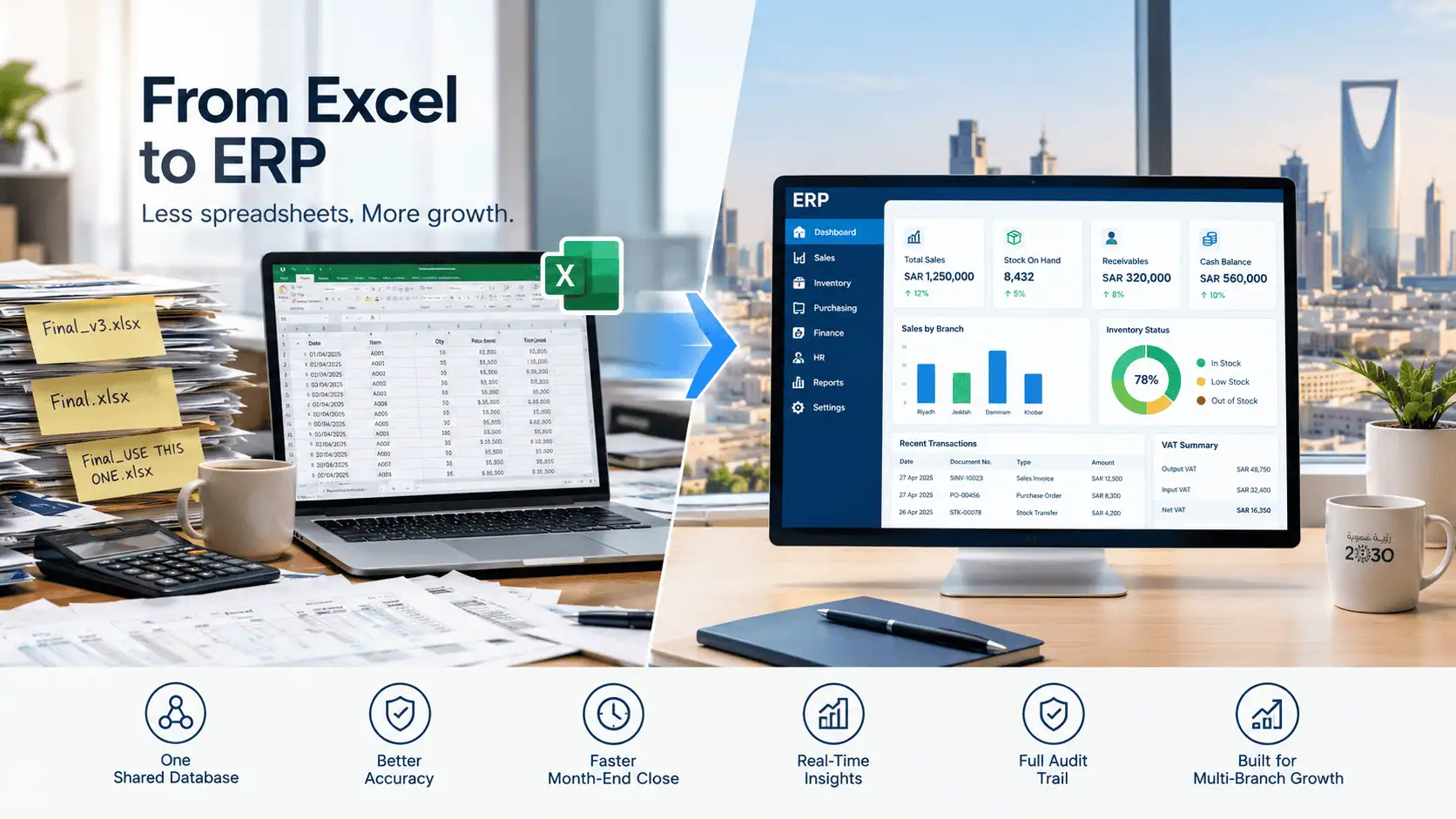
Most businesses already have an ERP or accounting system. The real question is whether that system can do all of this, and what it takes to get it there before the deadline.
This guide is written by the ERP implementation team at Intellitech Solutions in Al Khobar. As an implementation team, our job is getting your system compliant, so you'll get an honest look at all three routes to compliance: adding a ZATCA module to your current ERP, plugging in a middleware connector, or moving to a new system. You'll also see the data cleanup that causes most rejected invoices, a step-by-step onboarding plan, and what happens after go-live.
If you'd rather have one team handle the assessment, setup and Fatoora onboarding for you, see our ERP implementation and ZATCA integration services. Otherwise, read on: everything below works whichever partner you choose.
Which ZATCA wave are you in, and when is your deadline?
You are in a ZATCA Phase 2 wave if your VAT-subject revenue went above that wave's threshold in any one of its reference years. One strong year is enough, even if revenue has dropped since. The latest wave, Wave 25, covers revenue above SAR 187,500 in 2022, 2023, 2024 or 2025, with integration due by 1 February 2027.
ZATCA has been lowering the threshold wave by wave since Phase 2 started on 1 January 2023 with the largest taxpayers. These are the three most recent waves:
|
Wave |
VAT-subject revenue above |
Reference years |
Integrate by |
|---|---|---|---|
|
25 |
SAR 187,500 |
2022, 2023, 2024 or 2025 |
1 February 2027 |
|
24 |
SAR 375,000 |
2022, 2023 or 2024 |
30 June 2026 |
|
23 |
SAR 750,000 |
2022, 2023 or 2024 |
31 March 2026 |
Two things about Wave 25 catch people off guard. It is the first wave to count 2025 revenue. And because SAR 187,500 sits below the SAR 375,000 mandatory VAT registration threshold, businesses that registered for VAT voluntarily are now in scope too.
ZATCA notifies each business in a wave directly, at least six months before its integration date. Don't wait for the letter to start, though. Check your revenue for each reference year now, and confirm the latest list on the official ZATCA Wave 25 announcement.
If your deadline from an earlier wave has already passed and you are not integrated, skip ahead to the step-by-step section. Every week counts.
What ZATCA Phase 2 requires from your ERP
ZATCA Phase 2 requires your ERP to generate every invoice, credit note and debit note as structured XML, sign it with a ZATCA-issued certificate, and exchange it with the Fatoora platform. B2B invoices need ZATCA's approval before you send them. B2C invoices are reported within 24 hours. Everything from Phase 1 still applies.
In practice, your system needs to handle six things:
- UBL 2.1 XML for every document. Invoices and notes are created in ZATCA's XML format. A readable copy (print or PDF/A-3 with the XML inside) goes to the customer.
- A unique ID and an unbroken chain. Each document carries a UUID, an invoice counter and the hash of the previous invoice. This chain makes any gap or edit visible.
- A cryptographic stamp. Each document is signed using a certificate called a CSID, which ZATCA issues to your system during onboarding.
- Real-time clearance for standard invoices. B2B and B2G invoices go to ZATCA first. Only the cleared version can be shared with the buyer.
- Reporting for simplified invoices. B2C invoices are stamped by your system, issued straight away, and reported within 24 hours.
- No editing or deleting. Once issued, an invoice stays as it is. Corrections are made with a credit or debit note.
Most businesses issue both invoice types. A trading company that also sells over the counter is a common example. So your ERP has to support both flows:
|
Standard tax invoice (B2B/B2G) |
Simplified tax invoice (B2C) |
|
|---|---|---|
|
ZATCA model |
Clearance |
Reporting |
|
When ZATCA sees it |
Before you issue it, in real time |
Within 24 hours after you issue it |
|
Who stamps it |
ZATCA, after validating it |
Your onboarded system |
|
Works offline? |
No, it needs a live connection |
Yes, report once back online |
|
Buyer details needed |
Yes, including the buyer's VAT number and address |
No |
|
Typical users |
Wholesalers, contractors, service firms, government suppliers |
Shops, restaurants, clinics, e-commerce |
If you're still comparing systems, our guide to ERP features for Saudi compliance covers the VAT and Arabic-language features worth checking alongside ZATCA support.
Is your current ERP ready? Three ways to get compliant
There are three routes to a ZATCA compliant ERP: enable or add a ZATCA module in the ERP you already use, connect your ERP to Fatoora through a middleware connector, or move to a new ERP that supports Phase 2. Most businesses don't need a new ERP. The right route depends on your current system, your invoice volume and how clean your data is.
|
1. Native ZATCA module |
2. Middleware connector |
3. Replace the ERP |
|
|---|---|---|---|
|
What it is |
A ZATCA feature or localization inside your ERP generates, signs and sends invoices |
A separate service takes invoice data from your ERP, builds the XML and talks to Fatoora |
You move to a new ERP that already supports Phase 2 |
|
Best for |
Recent versions of mainstream ERPs with an active Saudi localization |
Older, heavily customised or multiple systems (ERP plus POS plus branch software) |
Spreadsheets, very old software, or a system with no vendor support |
|
Typical effort |
Lowest: configuration, data cleanup, onboarding |
Medium: data mapping and testing between two systems |
Highest: full implementation and data migration |
|
Main risk |
The module only covers some document types or versions |
One more system to pay for and monitor; mapping errors |
Rushed go-live if started too close to the deadline |
|
Ask your vendor or partner |
Which versions support Phase 2? Clearance and reporting both? Credit and debit notes? |
How is data mapped? What happens when Fatoora is down? Who fixes rejections? |
Can we go live on invoicing first and other modules later? |
Mainstream platforms such as Odoo, SAP Business One and Microsoft Dynamics 365 Business Central all have ZATCA routes through localizations, add-ons or certified partners. What matters is the exact version you run and how your partner configures it. Our breakdown of ERP options that support ZATCA compares the main systems used in the Kingdom.
Not sure which route fits your setup? Our ERP consultants in Saudi Arabia review your current system, invoice types and branches, then tell you plainly whether a module, a connector or a new ERP makes sense for your deadline.
Signs your current system can't be made compliant
- Your vendor has no Phase 2 roadmap or no longer supports your version.
- Invoices are created in Excel, Word or a tool that allows editing after issue.
- Customer and item data live in several places that don't sync.
- Every small change needs custom code nobody on your team understands.
If two or more of these apply, a middleware connector may only delay the problem. That's when it makes sense to start choosing the right ERP for your business, and to run invoicing on the new system first.
Myth: you need "ZATCA-approved" software
You don't. Many vendors call their product "ZATCA-approved", but ZATCA does not approve or certify software. Its Solution Providers Directory is a non-binding guide, and ZATCA states that a taxpayer whose solution meets the requirements is compliant even if the provider is not listed.
What counts is your own onboarding: your system passing ZATCA's compliance checks and receiving a Production CSID. Judge any vendor on that, not on a badge.
Clean your data before you integrate
Most ZATCA invoice rejections are caused by incomplete master data, not by the software. Phase 2 turns customer, item and tax details into mandatory XML fields. A printed invoice could get away with a missing buyer VAT number or a one-line address. A Phase 2 invoice gets rejected for it.
Start this work first, because it takes longer than the technical setup. Go through these records before any testing:
- Customer VAT numbers. Every B2B customer needs a valid 15-digit VAT number in the right field.
- Structured Saudi national address. For buyers in Saudi Arabia, ZATCA expects street name, building number, postal code, city and district as separate fields, plus the country code. A single free-text address line fails validation.
- Your own company details. Seller VAT number, CR number and address must match exactly what's registered with ZATCA and on your certificate.
- Item tax categories. Each product or service needs the correct VAT category (standard, zero-rated, exempt or out of scope).
- Exemption reason codes. Zero-rated and exempt lines need the reason code ZATCA defines.
- Units of measure. Use consistent unit codes across items so invoice lines map cleanly into the XML.
- Open documents. Decide how unpaid invoices and pending credit notes from before go-live will be handled.
A practical tip: export your customer list and sort it by missing fields. It's quicker to fix a few hundred records in a spreadsheet and re-import them than to discover each gap through a rejected invoice later.
Data cleanup is built into every ERP implementation project we run, so customer, item and tax records are fixed before the first test invoice ever reaches ZATCA.
Step-by-step: from wave notice to live e-invoices
Getting an ERP live on ZATCA Phase 2 takes nine steps, from confirming your wave to monitoring live invoices. Some steps happen on the Fatoora portal and can only be done by the business owner or an authorised person, so don't assume your vendor can do everything. Each step below is marked with who usually owns it.
If ZATCA integration is part of a wider rollout, our guide to the full ERP implementation process shows where these steps fit.
- Confirm your wave and deadline (you). Check your revenue against the wave table and note your date. Plan everything backwards from it.
- Assess your current system (your ERP partner). Check your ERP version, invoice types, branches and POS devices, then choose one of the three routes above.
- Clean your master data (both). Work through the checklist in the previous section. Your team knows the customers; your partner knows which fields the XML needs.
- Configure and map (your ERP partner). Enable the ZATCA module or set up the connector. Map tax categories, invoice types and numbering.
- Test in ZATCA's sandbox (your ERP partner). ZATCA provides a developer sandbox and a simulation environment. Test every document type you issue: standard and simplified invoices, credit notes and debit notes.
- Generate the OTP and get a Compliance CSID (you, with your partner). Log in to the Fatoora portal, generate a one-time password for each invoicing unit, and enter it in the system within its validity window.
- Pass ZATCA's compliance checks (your ERP partner). The system submits sample documents of each type. ZATCA checks them against its rules.
- Get the Production CSID and go live (both). Once the checks pass, the system requests its Production CSID. From this point, every invoice is real. Repeat steps 6 to 8 for each till, branch system or invoicing instance.
- Monitor closely (both). Watch rejections daily for the first few weeks. See the after go-live checklist below.
How long does it take? It depends on your system and your data. A business with one ERP and clean customer records can move much faster than one with several branches, POS devices and incomplete addresses. Ask your partner for a dated plan after the assessment, and keep a few weeks of buffer before your deadline. For budgeting, see what an ERP integration project costs.
Once the steps are clear, the fastest way to lose time is to start late. Our team offers ZATCA-ready ERP solutions that cover the assessment, configuration, testing and onboarding in one plan.
Multi-branch, multi-company and POS setups
ZATCA onboards each invoicing unit separately, not each company. A business with one central ERP instance onboards one unit. A retailer with five POS tills onboards five, and each one holds its own certificate, invoice counter and hash chain. Plan for this early if you have branches or several systems.
A few points that often get missed:
- Every till, branch server or invoicing app is its own unit. Each needs its own OTP and CSID, and a replaced device has to be onboarded again.
- B2C sales can continue offline. Simplified invoices are stamped locally and reported once the connection is back, within 24 hours. B2B invoices can't be finalised offline, because they need clearance first.
- Several companies mean several setups. Each legal entity with its own VAT number is onboarded under its own Fatoora account.
- VAT groups need extra care. If your companies are registered as a VAT group, confirm with your tax adviser and partner how each member's invoicing units are set up before you start onboarding.
- Mixed systems need one plan. If invoices come from an ERP, a POS and a separate e-commerce platform, each one must comply. This is where a single middleware connector can make sense.
Why ZATCA rejects invoices (and how to prevent it)
ZATCA rejects a Phase 2 invoice when a required field is missing, badly formatted or doesn't match your certificate. A rejected standard invoice legally does not exist, so you can't send it to the customer, and the customer can't claim input VAT on it. The good news is that the same few causes account for most rejections.
|
Cause |
What you'll see |
How to fix it |
|---|---|---|
|
Incomplete buyer address |
Rule BR-KSA-63 flags missing street, building number, postal code, city or district for a Saudi buyer |
Store the national address in separate fields for every B2B customer |
|
Missing or wrong buyer VAT number |
B2B invoice fails validation |
Validate the 15-digit format when customers are created, not at invoicing time |
|
Seller VAT doesn't match the certificate |
Clearance fails even though the invoice data looks right |
Make sure the VAT number in your ERP matches the one used when the CSID was issued |
|
Missing exemption reason code |
Zero-rated or exempt lines are refused |
Set the reason code on each tax category during configuration |
|
No retry handling |
Rejected or timed-out invoices pile up unnoticed |
Set up alerts and a daily review of failed submissions |
Two habits prevent most of these. Validate data when records are created, and check warnings as well as errors in ZATCA's responses. A warning doesn't stop the invoice today, but it often points to a setup problem that will cause a rejection later.
Already live and still getting rejections? Our ZATCA integration support traces each error back to its source record and fixes the setup, so the same rejection doesn't come back next week.
What happens if you miss the deadline?
If you miss your integration deadline, ZATCA normally starts with a warning, then applies fines that increase with each repeat violation. E-invoicing fines can reach a maximum of SAR 50,000. The amount depends on the type of violation and how often it happens, so the cost of waiting grows over time.
The fine is only part of the cost. If your B2B invoices aren't cleared, your customers can't rely on them to claim input VAT. That can delay payments and damage relationships with larger clients who check their suppliers' invoices.
The penalty waiver initiative that covered many tax violations ended on 30 June 2026, so don't count on it. If your deadline has passed, start integration straight away and keep a dated record of each step you take. For the official list of violations, see ZATCA's e-invoicing page.
Deadline passed or only weeks away? Tell us your wave and deadline and we'll give you an honest plan for the fastest safe route to go-live.
After go-live: your first 30 days
Going live on Fatoora is not the finish line. The first month is when setup gaps show up in real invoices, so plan for close monitoring. Use this checklist with your finance team and ERP partner:
- Check rejections and warnings every day for the first two to four weeks, and fix the source record, not just the single invoice.
- Confirm B2C reports are going out within 24 hours, especially after any internet outage at a branch.
- Train your billing team on corrections. No more editing or cancelling issued invoices; use credit and debit notes.
- Track CSID expiry dates. Certificates expire and must be renewed before they lapse.
- Re-onboard replaced devices. A new POS terminal or server needs its own OTP and CSID.
- Keep the XML archive accessible for the full record-keeping period, and test that you can retrieve an old invoice.
- Review new customers at creation. Make VAT number and address fields mandatory so new gaps don't creep in.
How Intellitech helps Saudi businesses get ZATCA-ready
Intellitech Solutions is an ERP implementation partner based in Al Khobar. Our ERP with ZATCA integration service takes you from the first assessment to the day your first invoice clears on Fatoora:
- System assessment. We check your ERP version, invoice types, branches and POS devices, and recommend the right route: module, connector or new ERP.
- Data cleanup. We fix customer VAT numbers, national addresses and tax categories before testing starts.
- Configuration and sandbox testing. Every document type you issue is tested in ZATCA's sandbox and simulation environments.
- Fatoora onboarding. We guide your authorised person through the OTP, Compliance CSID and Production CSID for every invoicing unit.
- Go-live support. We monitor rejections with you through the first weeks and fix root causes.
- ERP replacement where needed. If your current system can't comply, we move invoicing first so your deadline is protected, then roll out the other modules.
You can see how we work in our project for an Al Khobar certification business.
Frequently asked questions
What is ZATCA Phase 2 e-invoicing?
ZATCA Phase 2, the Integration Phase, requires your invoicing system to send signed XML invoices to the Fatoora platform for clearance or reporting. It started on 1 January 2023 and is being rolled out in waves based on VAT-subject revenue.
How do I know which ZATCA wave my business is in?
Check whether your VAT-subject revenue exceeded a wave's threshold in any of its reference years, and watch for ZATCA's direct notification. Wave 25 covers revenue above SAR 187,500 in 2022, 2023, 2024 or 2025, with a deadline of 1 February 2027.
Is my ERP automatically ZATCA Phase 2 compliant?
No, an ERP is compliant only once it generates the required XML, is onboarded with a Production CSID and passes ZATCA's compliance checks. Having a ZATCA feature in the software is a start, but the setup and onboarding are what make your business compliant.
Do I need ZATCA-approved software?
No, ZATCA does not approve software; any solution that meets the e-invoicing requirements is acceptable, even if its provider is not in ZATCA's directory. ZATCA describes its Solution Providers Directory as a non-binding guide, not an approval.
What is a CSID and why do I need two?
A CSID is the certificate ZATCA issues so your system can stamp invoices; the Compliance CSID is for testing and the Production CSID is for live invoicing. You get each one using a one-time password generated on the Fatoora portal.
Why is ZATCA rejecting my invoices?
Most rejections come from incomplete data, such as a missing buyer VAT number or an incomplete structured Saudi address, not from accounting errors. A VAT number that doesn't match your certificate and missing exemption reason codes are other common causes.
What happens if I miss my integration deadline?
ZATCA usually issues a warning first, then escalating fines for repeat violations, up to a maximum of SAR 50,000. Uncleared B2B invoices can also stop your customers from claiming input VAT, which affects payments.
Got your ZATCA wave notice? Don't leave integration to the last month. Talk to our ERP team about your system, your deadline and the fastest safe route to compliance.