How to Choose the Right ERP System in Saudi Arabia
14 min read

On this page
- 1. Start with your business requirements
- 2. Check the Saudi-specific requirements
- 3. Match the modules to your industry
- 4. Compare configure, extend and build
- Configure an existing platform
- Extend an existing platform
- Build a custom ERP
- 5. Calculate the total cost of ownership
- 6. Evaluate vendors and implementation partners
- 7. Test vendors with real demo scenarios
- 8. Assess implementation risks and long-term support
- 9. ERP selection checklist for Saudi businesses
- Frequently asked questions
- How do I choose an ERP system in Saudi Arabia?
- What should a Saudi business check before selecting ERP software?
- Does my business need ZATCA Phase 2 integration?
- How do I compare ERP vendors?
- Should I customize an ERP or build one from scratch?
- What costs should be included in an ERP budget?
- How can I verify a vendor's ZATCA integration claims?
- Next step: write your requirements down
To choose an ERP system in Saudi Arabia, write down your requirements first, check the Saudi rules that apply to you, decide whether to configure, extend or build, price the full cost over several years, and make every vendor prove its claims in a live demo. Skip any of these and you usually find the gap after you have signed.
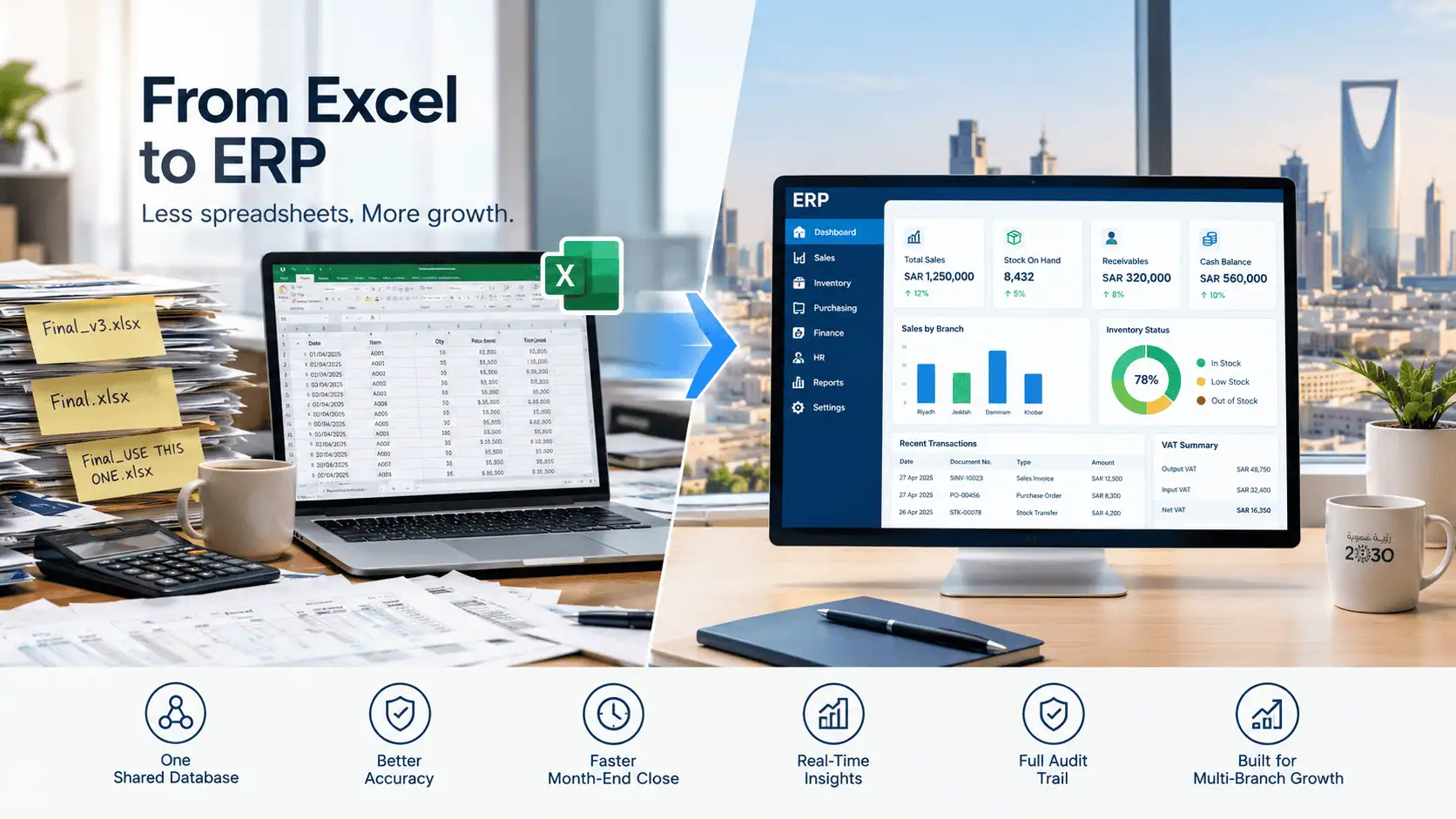
Most buyers start looking because finance, inventory, purchasing and sales each keep their own numbers. The first ten minutes of every meeting go on working out whose figure is right. An ERP fixes that by putting everyone on one set of records, but a wrong choice is expensive to undo.
Intellitech Solutions, an ERP implementation partner in Al Khobar, wrote this guide as a working tool for Saudi businesses. It ends with a scorecard and a checklist you can use on your own shortlist.

1. Start with your business requirements
Write each requirement as a business problem with a measurable result, not as a module name. "We need inventory" is a wish. "Stock counts match the system within 2%" is something you can test a vendor against.
Do four things before you talk to any vendor:
- Map how work actually runs today, including the spreadsheets and phone calls nobody mentions in the first meeting.
- List every department and role that will use the system.
- Split requirements into must have and nice to have. If you cannot say what breaks without it, it is a nice to have.
- Attach a measure to every must have.
Use a table like the one below. The rows are examples, so replace them with your own.
|
Business problem |
ERP capability needed |
Priority |
Success measure |
|---|---|---|---|
|
Month-end close takes a week |
One ledger fed by sales, purchasing and inventory |
Must have |
Close in three working days |
|
Warehouse stock and spreadsheet stock disagree |
Live stock by warehouse, with transfers and counts |
Must have |
Count variance under 2% |
|
Head office cannot see branch results |
Branch accounts with consolidated reporting |
Must have |
Consolidated report with no manual collection |
|
Purchases are approved by phone |
Approval routing with an audit trail |
Should have |
Every purchase order shows who approved it and at what price |
Keep this table. You will reuse it as the script for vendor demos in section 7. If you are unsure which capabilities to list, our guide to essential ERP features for Saudi businesses covers the common ones.
2. Check the Saudi-specific requirements
Check five areas: ZATCA e-invoicing, VAT, Arabic and English support, payroll rules if payroll is in scope, and data hosting. No ERP meets all five by default, so ask for proof on each one that applies to you.
E-invoicing (ZATCA). Phase 1, the generation phase, started on 4 December 2021. Phase 2, the integration phase, started on 1 January 2023 and is rolling out in waves based on VAT revenue. ZATCA notifies each wave at least six months before its integration date.
As of October 2026, ZATCA has announced wave 25. It covers businesses whose VAT-subject revenue exceeded SAR 187,500 in any year from 2022 to 2025, and they must integrate with ZATCA's Fatoora platform by 1 February 2027. That threshold is half of wave 24's SAR 375,000, so many SMEs that were out of scope are now in.
Start from ZATCA's official e-invoicing portal, which links to the technical specifications and the wave announcements. ZATCA also says taxpayers may use any solution provider that meets the requirements, and that its provider directory is indicative. A vendor missing from that list is not automatically non-compliant, and a vendor on it still has to prove it fits your setup. Our ZATCA e-invoicing ERP integration guide walks through the technical side.
VAT. Tax codes should sit in the chart of accounts and on every document template from day one. Adding them after go-live means revisiting historic entries.
Arabic and English. Ask for an Arabic invoice, a bilingual document and a right-to-left screen, printed from a sandbox with your own data. Do not accept a feature checkbox as proof.
Payroll and HR. If payroll runs in the ERP, ask how it produces Wage Protection System (WPS) files and handles social insurance (GOSI) reporting. Then confirm the current rules with your HR team or adviser.
Data hosting and security. Ask where your data is stored, who can access it and how backups work. Check what applies to your sector with your legal adviser.
Treat e-invoicing, VAT and Arabic documents as pass or fail, not as weighted features. A vendor that fails any of them is out, however good the rest looks.
3. Match the modules to your industry
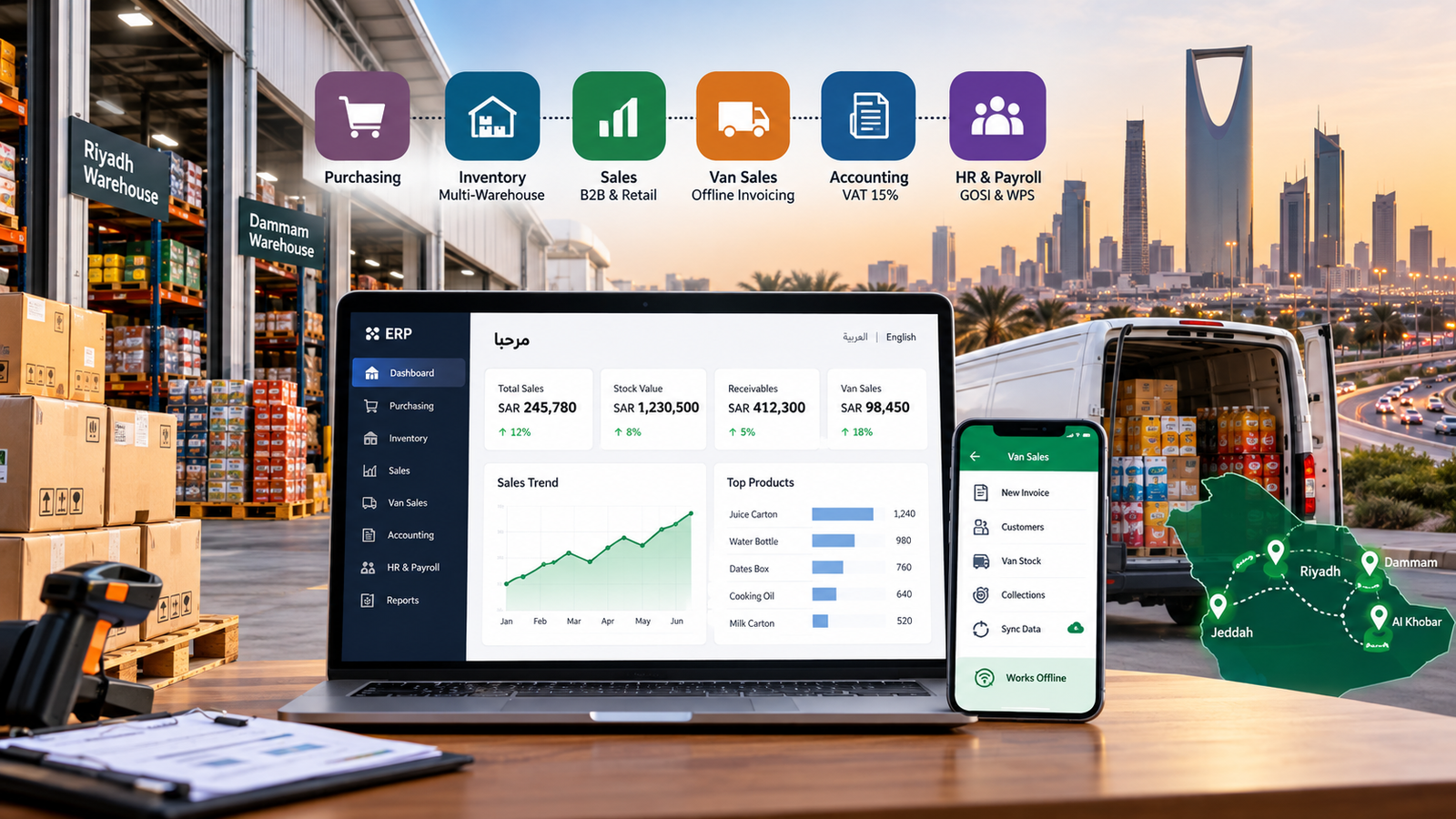
Choose modules by how your business makes money. A distributor and a consulting firm need very different first modules, and switching on everything at once is how projects stall.
|
Business type |
Modules to prioritize |
What to test in the demo |
|---|---|---|
|
Wholesale and distribution |
Inventory, multi-warehouse, sales pricing, credit limits |
Customer price list, part delivery, margin per line |
|
Retail and multi-branch |
Branch stock, point of sale, consolidated reporting |
Inter-branch transfer, returns, head office view |
|
Manufacturing |
Inventory, bill of materials, job costing |
A cost built from what the job actually used |
|
Trading and import |
Landed cost, multi-currency, purchasing |
Duty and freight added to stock value |
|
Contracting and projects |
Project costing, purchasing, progress billing |
Margin per project while the job is still running |
|
Professional services |
Time tracking, project billing, finance |
An invoice generated from approved time |
Start with finance and the one area that hurts most. Add the rest in phases once the first ones run cleanly. For a deeper look at one sector, see ERP for trading and distribution companies.

4. Compare configure, extend and build
Configure a standard platform when your needs are mostly standard, extend it when specific workflows are missing, and build custom only when your process is how you compete. Most businesses land in the middle.
Configure an existing platform
You set up an established ERP around your chart of accounts, warehouses, roles and approvals. It usually goes live fastest and costs least to maintain, because the vendor handles upgrades. The trade-off is that you work the way the product expects.
Extend an existing platform
You keep the platform and its upgrade path, then add the screens, document templates, workflows and integrations it lacks. The risk is cost creep. Ask early which changes are configuration and which are development, because they are priced very differently.
Build a custom ERP
You design the data model and screens around your process. It takes longer and costs more up front, and you carry the maintenance. In return there is no per-user licence rising with every hire. Make sure the contract gives you the code, and build only when standard products would force you to work in a way that costs you money.
Not sure which route fits? Our ERP system in Saudi Arabia page explains how we scope all three after a discovery phase.
5. Calculate the total cost of ownership
Total cost of ownership is the licence plus everything needed to run the system, so compare vendors over three to five years, not on the first quote. We do not give a Saudi price range here, because the cost depends on users, modules, integrations and data quality, and a number quoted before scoping is a guess. Our ERP implementation cost guide explains each cost driver in more detail.
Use this table to know what each cost line covers and what to ask before you accept a quote.
|
Cost item |
One-time or recurring |
What drives the cost |
What to ask the vendor |
|---|---|---|---|
|
Licences or subscription |
Recurring (yearly or monthly) |
Number of users, modules and branches |
How does the price change when we add 10 users or a new branch? |
|
Implementation and configuration |
One-time |
Number of departments, workflows and approval rules |
Is this a fixed price or billed by the hour? |
|
Customization and custom reports |
One-time, plus upkeep |
Screens, reports and templates the standard product lacks |
Which items are configuration and which are paid development? |
|
Integrations |
One-time, plus maintenance |
Each connected system: store, POS, bank, courier, payroll |
Which integrations are ready-made and which are built for us? |
|
Data cleaning and migration |
One-time |
Years of history, number of records, data quality |
How many trial migrations are included, and who cleans the data? |
|
Training |
One-time, plus new joiners |
Number of departments and users |
Is training role-based, and is it available in Arabic? |
|
Hosting and infrastructure |
Recurring |
Cloud or on-premise, storage, backups |
Where is our data hosted, and is backup included? |
|
Support and maintenance |
Recurring |
Response times and support hours |
What are the response times in writing, and who handles month-end issues? |
|
Upgrades and new modules |
Recurring or occasional |
Vendor release cycle and modules added later |
Do our customizations survive upgrades, and who pays to fix them? |
|
Your own staff time |
Hidden, mostly in year 1 |
Testing, data checks and training hours |
How many hours per week will the project need from our team? |
Add each vendor's written quote against every row for years 1 to 5, then compare the totals, not the first-year price. The vendor with the lowest licence price is not always the cheapest by year three, so check how the price moves as you add users, branches and modules.
6. Evaluate vendors and implementation partners
Judge a partner on evidence: references you can call, the named people who will work on your project, and what the contract commits them to. Ask every vendor for:
- Two or three references in your industry, ideally in Saudi Arabia. Call them.
- The names and experience of the consultants assigned to you, not the sales team.
- A written approach to data migration, training and post-launch support.
- Proof of Saudi localization they have delivered, such as a live invoice or document, not a slide.
- A contract that separates scope, deliverables, change requests and service levels.
Our guide on choosing an ERP implementation partner lists the questions to ask and the red flags to watch for.
Then score each shortlisted system. Rate every criterion from 1 to 5, multiply by its weight and add the results. The maximum is 5.0.
|
Criterion |
Weight |
What to look at |
|---|---|---|
|
Business and workflow fit |
25% |
Demo results against your requirements table |
|
Saudi requirements and compliance fit |
20% |
Arabic documents, VAT, e-invoicing readiness, payroll if in scope |
|
Total cost of ownership |
15% |
Your cost comparison from section 5 |
|
Integration and data migration |
15% |
Named integrations, migration plan, rollback path |
|
Vendor and implementation capability |
15% |
References, named team, support terms |
|
Usability, training and scalability |
10% |
Hands-on test by your own staff, and price as users and branches grow |
|
Total |
100% |
Maximum score 5.0 |
These weights are our suggested starting point, not an industry standard. Change them to fit your priorities, but agree them before the demos so nobody adjusts them to favor a vendor. Keep the pass or fail items from section 2 outside this score.
7. Test vendors with real demo scenarios
Give every shortlisted vendor the same scripted scenarios, run on your sample data, and score only what you see work. Use these six as a start and add your own from the requirements table.
- A purchase order, goods receipt, supplier invoice and ledger entry, end to end.
- A sales order that reserves stock and produces an invoice in the format your e-invoicing setup needs.
- A stock transfer between two warehouses or branches.
- An approval that routes to a delegate while the approver is away.
- An Arabic invoice and a bilingual report, printed.
- A month-end report that ties back to the ledger.
Have your own finance or warehouse person operate the system for at least one scenario, not only the vendor's consultant. Score each scenario as pass, partial or fail, and write down what was shown. "We can build that" counts as a fail until you see it.
8. Assess implementation risks and long-term support
ERP projects usually go wrong on data, people and scope, not on software features. Ask each vendor how it handles these six risks before you sign.
- Data migration. Ask for validation at both ends, a rollback path, and a parallel run until the figures agree. Ten years of spreadsheets with inconsistent product codes takes longer than anyone plans for.
- Adoption. Training should be per department, on the screens each team will actually use.
- Scope creep. Agree in writing how change requests are priced and approved.
- Integrations. Name every system the ERP must connect to, such as accounting software, your online store, your bank or your courier.
- Rollout. Phase it. Start with finance and inventory, then add modules.
- Support. Confirm who answers after go-live, and that help covers at least your first month-end close.
[ADD REAL EXAMPLE FROM CLIENT, 2 to 3 sentences. Format: industry + city, the problem, what changed, one number. Example shape only: "A distributor we worked with in [city] ran [X] warehouses on spreadsheets. After a phased rollout, month-end close dropped from [X] days to [Y]." Use only verified client data.]
The ERP implementation process guide shows how each phase, from discovery to go-live, reduces these risks.
9. ERP selection checklist for Saudi businesses
Use this checklist for each shortlisted vendor, and treat any unticked item in the compliance group as a stop.
Requirements
- Requirements table is complete, with priorities and success measures
- Must haves are separated from nice to haves
Compliance (pass or fail)
- E-invoicing approach confirmed against current ZATCA rules for your wave
- VAT setup shown in a sandbox
- Arabic and bilingual documents printed and checked
- Payroll rules shown, if payroll is in scope
- Data hosting location and access documented
Cost and integrations
- Three to five year cost comparison filled in
- Configuration and development work split in writing
- Every system to connect is named, with how it connects
Vendor evidence and demo
- References called
- Named project team agreed
- All six demo scenarios scored
- Your own staff operated at least one scenario
Migration and support
- Migration, rollback and parallel run described
- Support terms and response times written into the contract
Frequently asked questions
How do I choose an ERP system in Saudi Arabia?
Write measurable requirements, check the Saudi compliance items that apply to you, compare vendors with a weighted scorecard, and test each one with scripted demos before you sign.
What should a Saudi business check before selecting ERP software?
Check e-invoicing readiness with ZATCA, VAT handling, Arabic and bilingual documents, payroll rules if relevant, and where your data is hosted. Ask for each to be shown, not described.
Does my business need ZATCA Phase 2 integration?
If your VAT-subject revenue exceeded SAR 187,500 in any year from 2022 to 2025, you fall under wave 25 and must integrate with the Fatoora platform by 1 February 2027. ZATCA notifies each business directly, so confirm your own deadline against that notification.
How do I compare ERP vendors?
Score each one from 1 to 5 against weighted criteria, using demo results, references and a multi-year cost comparison. Keep compliance items as pass or fail.
Should I customize an ERP or build one from scratch?
Customize an existing platform if most of your needs are standard. Build from scratch only when your process is how you compete and standard products would cost you money.
What costs should be included in an ERP budget?
Licences, implementation, customization, integrations, data migration, training, hosting, support, upgrades and your own staff time.
How can I verify a vendor's ZATCA integration claims?
Ask the vendor to show e-invoice generation and submission in a test environment, and to say who is responsible for each step. Then check the requirements on ZATCA's portal, and remember its provider directory is indicative only.
Next step: write your requirements down
Write your requirements table before you speak to any vendor, because every later step in this guide depends on it. If you want a second opinion, discuss your ERP requirements with our team. We will tell you whether you need configuration, an extension or a custom build, and sometimes the honest answer is that your current tools are fine.