How to Set Up a WhatsApp Business Account (Step-by-Step)
13 min read
On this page
- What is a WhatsApp Business account?
- What is the difference between WhatsApp and WhatsApp Business?
- Which phone number should you use?
- How to set up a WhatsApp Business account: 7 steps
- How to set up your business profile for Saudi customers
- Plan your hours around how Saudi customers actually message
- Set up the business tools: catalog, quick replies, labels and auto messages
- Greeting and away messages
- Quick replies
- Labels
- WhatsApp Business catalog setup
- The limits nobody puts in one place
- The first 14 days: how to avoid getting your new number restricted
- When the app is not enough: add the API without losing your number
- Frequently asked questions
- Is the WhatsApp Business app free?
- Can I use the same number on WhatsApp and WhatsApp Business?
- Will I lose my chats if I switch to WhatsApp Business?
- Can I use a landline for WhatsApp Business?
- How many products can a WhatsApp Business catalog hold?
- When do I need the WhatsApp Business API instead of the app?
- Ready to move past auto-replies?
In Saudi Arabia, 94.4% of male and 90.4% of female internet users are on WhatsApp, according to the Saudi Internet 2025 report from the Communications, Space and Technology Commission (CST). Your customers already have it open. The real question is whether they find a proper business there, or a personal number with no name, no hours and no catalog.
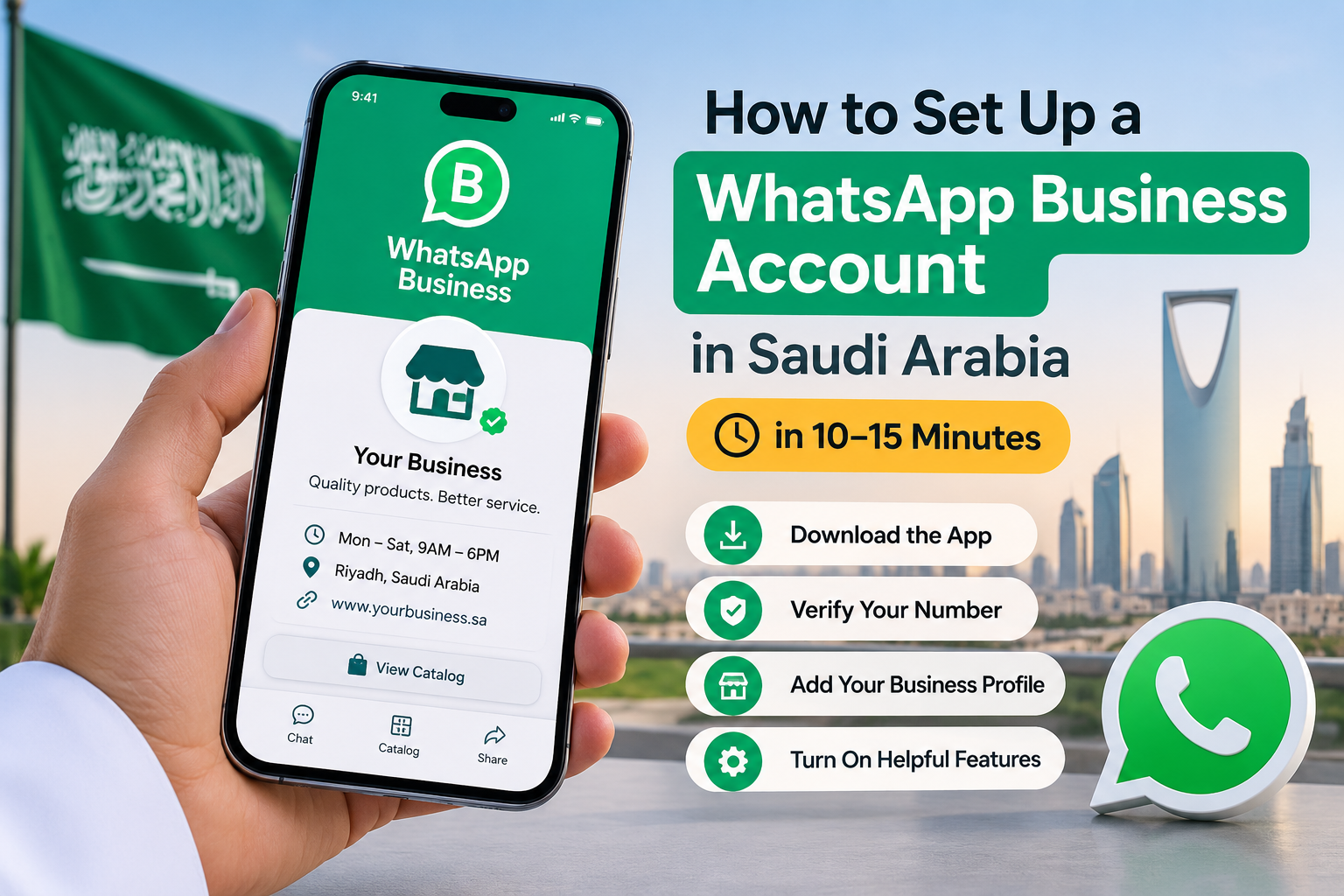
Quick answer: To set up a WhatsApp Business account, download the free WhatsApp Business app, verify your business phone number by SMS or call, then add your business name, category, logo, hours and description. Finish by turning on the greeting message, away message and quick replies. The whole thing takes about 10 to 15 minutes.
That is the easy part. This guide also covers what most tutorials skip: which number you should register, how to write a profile that works for Arabic and English customers, and how to keep a brand-new number from getting restricted in its first two weeks. If you are planning automation later, it fits into our complete guide to AI chatbots for business.
What is a WhatsApp Business account?
A WhatsApp Business account is a free account, created in Meta's separate WhatsApp Business app, that gives your number a business profile, a product catalog, labels and automated messages. It runs on one phone like normal WhatsApp. Larger teams that need automation and many agents use the paid WhatsApp Business Platform (API) instead.
So there are really three options, and picking the wrong one is the most common early mistake.
|
WhatsApp (personal) |
WhatsApp Business app |
WhatsApp Business Platform (API) |
|
|---|---|---|---|
|
Built for |
Friends and family |
Small businesses, one owner or a small team |
Growing and large businesses |
|
Cost |
Free |
Free |
Paid per template message since July 1, 2025 |
|
Business profile |
No |
Yes: hours, address, website, category |
Yes |
|
Catalog |
No |
Yes, up to 500 items |
Yes, through Meta Commerce Manager |
|
Automation |
None |
Greeting, away messages, quick replies |
Full chatbots, CRM integration, bulk sends |
|
Setup |
Install and verify |
Install and verify, 10 to 15 minutes |
Meta business portfolio, verification, a provider or developer |
What is the difference between WhatsApp and WhatsApp Business?
The difference between WhatsApp and WhatsApp Business is the business layer. Both apps chat the same way, but only WhatsApp Business adds a public profile, catalog, chat labels, quick replies and automatic greeting and away messages. One phone number can be active on only one of the two apps at a time.
Most businesses start with the app. You move to the WhatsApp Business API in Saudi Arabia when replies, team members or message volume outgrow one phone.
Which phone number should you use?
Use a number the business owns, not one tied to an employee. When that person leaves, the number, the chat history and every customer conversation leave with them. Decide this before you install anything, because moving a number later costs time.
|
Number option |
Good for |
Watch out for |
|---|---|---|
|
Your current personal number |
Solo owners who already chat with customers on it |
Personal and business chats get mixed. You can no longer use that number on regular WhatsApp |
|
A new company SIM (Mobily, STC, Zain) |
Most small businesses |
Brand-new numbers need a careful first two weeks (see below) |
|
Your office landline |
Clinics, showrooms, branch offices with a known number |
Verification comes by voice call, so someone must answer the landline |
|
A dual-SIM phone with two numbers |
Owners who want personal and business apps on one phone |
Each app still needs its own number |
For most companies we work with, a dedicated company SIM is the safest choice. It survives staff changes and keeps personal chats out of your customer history.
How to set up a WhatsApp Business account: 7 steps
To set up a WhatsApp Business account, install the WhatsApp Business app, accept the terms, verify your number, restore or skip a backup, then fill in your business name, category and profile. The steps are the same on Android and iPhone. Only the menu labels differ slightly.
- Download WhatsApp Business. Search "WhatsApp Business" on the Google Play Store or Apple App Store. Check that the publisher is WhatsApp LLC and the icon shows a "B" inside the chat bubble.
- Open the app and agree to the terms. Read the Terms of Service and tap Agree and continue.
- Enter your business number. Select Saudi Arabia (+966) and type the number you chose above. If the same number already runs on personal WhatsApp on this phone, the app offers to move it across.
- Verify the number. Enter the 6-digit code sent by SMS. For a landline, wait for the SMS to time out, then tap Call me and note the code read out to you.
- Restore your chats (only if switching). Switching from personal WhatsApp? Back up first in WhatsApp under Settings, Chats, Chat backup (Google Drive on Android, iCloud on iPhone). The Business app then offers to restore those chats, groups and media.
- Add your business name and category. Use the name customers know you by, exactly as it appears on your shop sign or website. Pick the closest category, for example Professional Services or Retail.
- Add a profile photo. Use your logo on a plain background, sized so it still reads inside a small circle.
That is the account created. Everything after this point happens under Tools (in older versions, Settings, then Business tools), and that is where the account starts to earn its place.
Tip from our setups: Write your business description and quick replies in a notes app first. Typing 15 replies on a phone screen is where most people give up halfway.
How to set up your business profile for Saudi customers
A complete WhatsApp Business profile has 6 parts: business name, category, description, address with a map pin, working hours, and website or email. Fill all six. A profile with missing hours or no location makes customers ask basic questions you could have answered once, in the profile.
Go to Tools, Business profile and work through this list.
- Description (up to a few lines). Say what you sell, where you deliver, and how to order. Write it in both Arabic and English if your customers use both.
- Address and map pin. Drop the pin on your actual entrance, not the building centre. Delivery drivers in Riyadh, Jeddah and Dammam will thank you.
- Working hours. Set the real hours, including Friday. Many Saudi businesses keep different Friday hours, so do not copy Sunday's times across the whole week.
- Website and email. Add your website so customers can check you are a real company before they pay.
- Category. You can pick more than one. Choose the ones a customer would search for.
Here is a bilingual description you can adapt. The business is an example.
|
English |
Arabic |
|---|---|
|
Furniture showroom in Riyadh. Delivery across Riyadh in 3 working days. Browse the catalog or message us to order. |
معرض أثاث في الرياض. توصيل لجميع أحياء الرياض خلال ٣ أيام عمل. تصفح الكتالوج أو راسلنا للطلب. |
Plan your hours around how Saudi customers actually message
The CST report found internet use in the Kingdom peaks between 9 pm and 11 pm. That is when many customers sit down and message businesses, often after you have closed. Two simple settings handle it:
- Schedule the away message for outside business hours, and tell people exactly when you will reply ("We reply from 9 am tomorrow").
- During Ramadan, update both the profile hours and the away message schedule. Customers notice when a business still shows its normal daytime hours.
Set up the business tools: catalog, quick replies, labels and auto messages
The four business tools worth setting up on day one are the greeting message, away message, quick replies and labels. Add a catalog if you sell products or fixed-price services. All of them live under Tools in the WhatsApp Business app and are free.
Greeting and away messages
The greeting message goes out automatically when a new customer messages you, or when someone returns after 14 days without contact. The away message covers closed hours. Turn both on under Tools, Greeting message and Tools, Away message, then set the away schedule to "Outside of business hours".
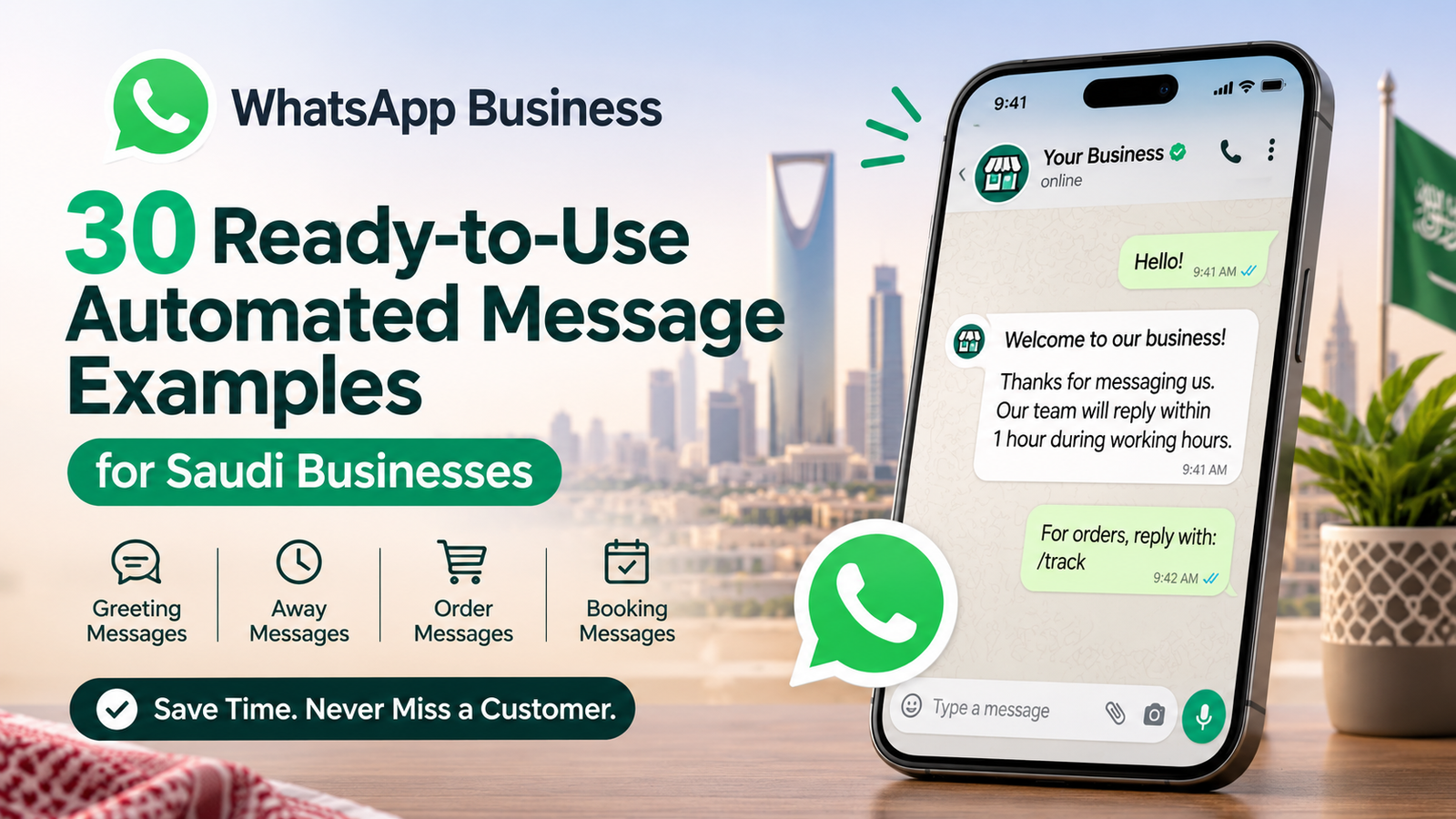
Need wording? We wrote 30 ready-to-copy WhatsApp Business greeting and away message examples for Saudi businesses, including Ramadan and Eid versions.
Quick replies
Quick replies are saved answers you send by typing "/" and a shortcut. Start with the 5 questions you answer every single day:
- /price for your price list or "prices start from" line
- /location for the map link and parking note
- /hours for opening hours, including Friday
- /delivery for delivery areas, cost and timing
- /pay for payment methods and bank transfer details
Labels
Labels are coloured tags that sort chats into a pipeline. The defaults (New customer, New order, Pending payment, Paid, Order complete) work for most shops. Rename them to match how you actually sell, for example "Quote sent" for a service company. Each morning, filter by "Pending payment" and follow up.
WhatsApp Business catalog setup
To create a catalog, open Tools, Catalog, Add new item, upload photos, then add a name, price, description, link and item code. Each item is reviewed by WhatsApp before customers can see it, which usually takes minutes to a few hours.
Group items into Collections (for example "Sofas", "Dining", "Offers") so customers are not scrolling through a long list on a small screen.
The limits nobody puts in one place
|
Feature |
Limit in the WhatsApp Business app |
|---|---|
|
Catalog size |
Up to 500 items |
|
Media per catalog item |
Up to 10 images or videos |
|
Numbers per account |
One number, active on one app (personal or Business) at a time |
|
Broadcast lists |
Only reach people who have saved your number in their contacts |
|
Main device |
One phone, plus linked devices such as WhatsApp Web |
|
Automation |
Fixed greeting, away and quick replies only. No real chatbot |
That last row matters. The app cannot read a question and answer it. It only sends the same fixed text to everyone.
The first 14 days: how to avoid getting your new number restricted
A new WhatsApp Business number gets restricted when it sends many messages, fast, to people who never contacted it. WhatsApp reads that pattern as spam. Warm the number up slowly: reply to inbound chats first, message only people who know you, and add broadcasts gradually over the first two weeks.
This is the part that setup tutorials skip, and it is the part that hurts most. Business owners on Reddit describe numbers restricted after only 40 to 50 outgoing messages. Support teams at WhatsApp providers say the same thing: new accounts that send in bulk without a warm-up period carry the highest risk.
Here is the routine we recommend for a fresh number.
|
Days |
What to do |
What to avoid |
|---|---|---|
|
1 to 3 |
Finish the full profile. Put the number on your website, Google Business Profile and invoices so customers message you first |
Importing your whole contact list and messaging everyone "we're on WhatsApp now" |
|
4 to 7 |
Reply to every inbound chat. Ask happy customers to save the number |
Copy-pasting the same promo text to dozens of chats |
|
8 to 14 |
Start small broadcast lists to customers who saved your number and asked for updates |
Adding people to groups without asking. Sending links on first contact |
|
After 14 |
Grow volume steadily. Watch for blocks and reports |
Buying number lists. These get businesses banned fastest |
If you do see "Your account is restricted", stop sending, wait out the timer shown in the app, and use the in-app request a review option. Creating a second account to dodge the restriction usually makes things worse.
When the app is not enough: add the API without losing your number
You have outgrown the WhatsApp Business app when one phone cannot keep up: several staff need to reply, customers expect answers at 11 pm, or you want replies connected to your CRM or ERP. The fix is the WhatsApp Business Platform, and you no longer have to give up your app number to get it.
Many older guides still say you must delete your app account before moving the number to the API. That changed. Meta's coexistence option connects a number that already runs in the WhatsApp Business app to the Cloud API, so the app stays live on your phone while automation runs alongside it. Saudi Arabia is among the supported countries.
What to know before you switch it on:
- The Business app needs version 2.24.17 or newer, and your Meta business portfolio should be verified.
- One-to-one chats sync between the app and the API. Group chats do not.
- Messages you start yourself through the API use approved templates and are charged per message. Replies inside the 24-hour customer service window are free.
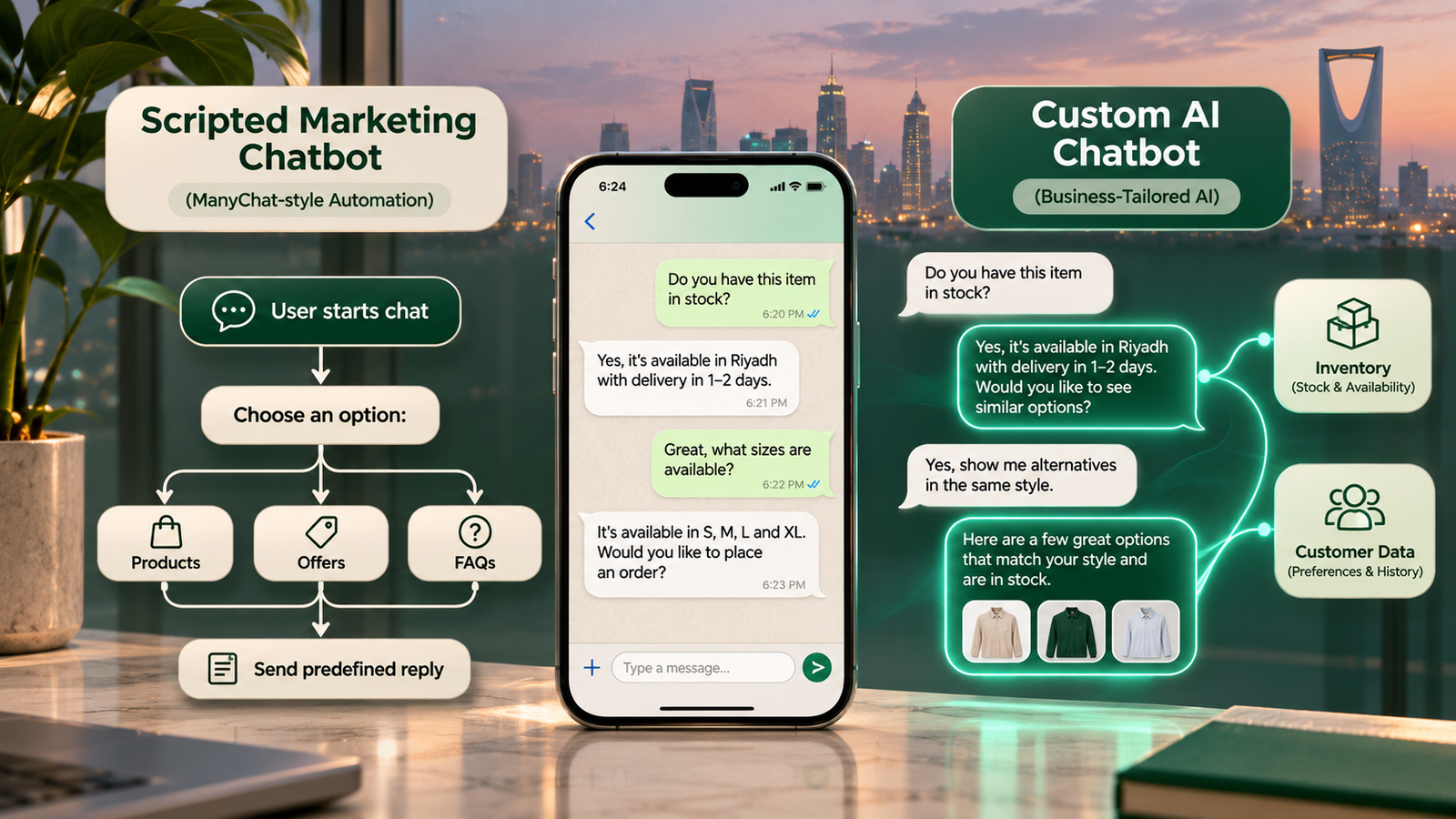
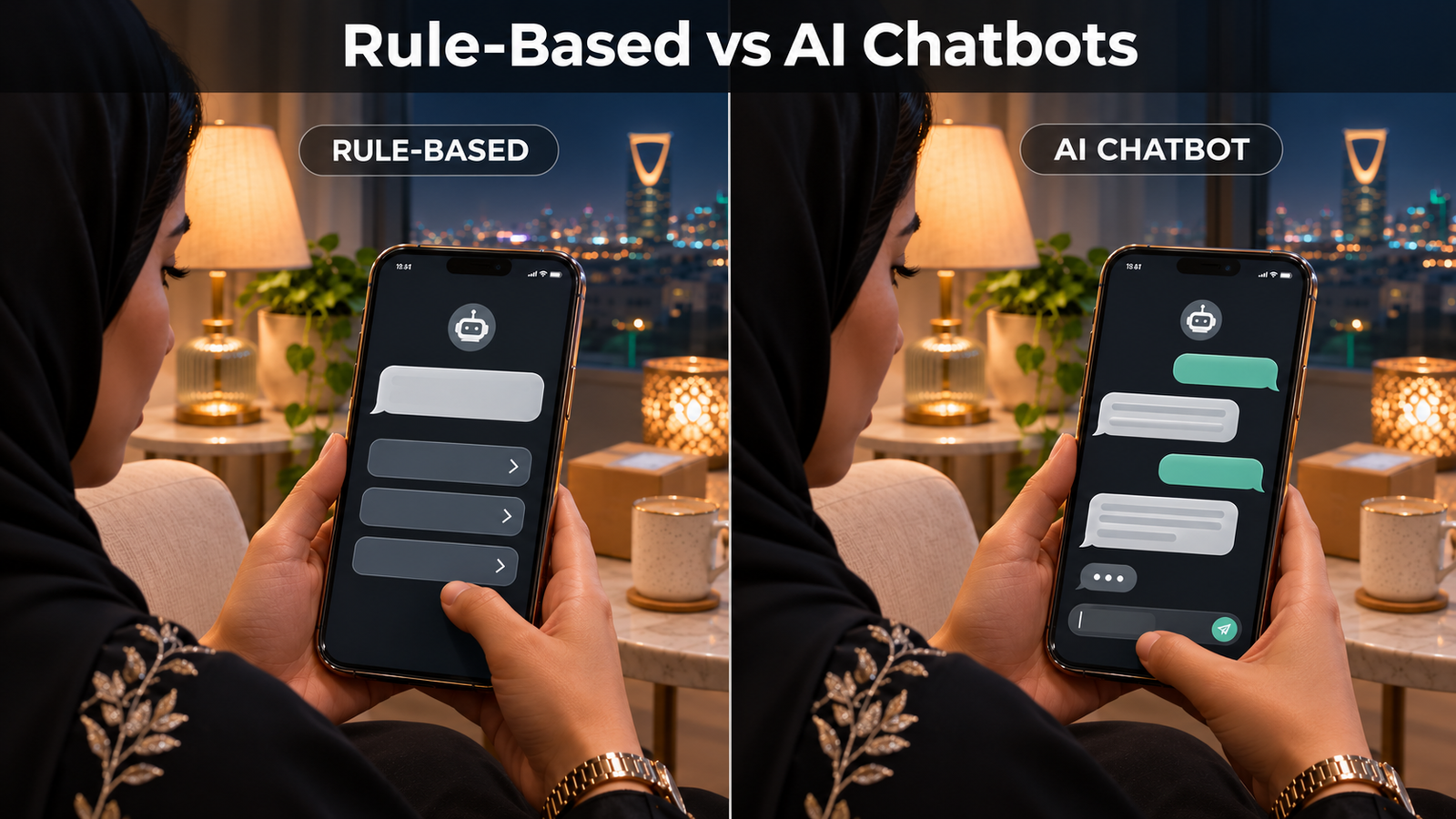
This is also where a real chatbot comes in. Unlike fixed quick replies, a WhatsApp chatbot for business can answer the question actually asked, in Arabic or English, and pass the chat to a person when needed. Not sure if you need a simple button bot or an AI model? Our rule-based vs AI chatbot comparison walks through that choice with a simple test.
Frequently asked questions
Is the WhatsApp Business app free?
Yes, the WhatsApp Business app is free to download and use on Android and iPhone, with no monthly fee. Only the WhatsApp Business Platform (API) charges, per template message.
Can I use the same number on WhatsApp and WhatsApp Business?
No, one phone number can be active on either regular WhatsApp or WhatsApp Business at a time, not both. To run both apps on one phone, use a dual-SIM phone with two numbers.
Will I lose my chats if I switch to WhatsApp Business?
No, you keep your chats if you back them up first and restore the backup when the WhatsApp Business app asks during setup. Your groups and contacts stay because the number does not change.
Can I use a landline for WhatsApp Business?
Yes, WhatsApp Business accepts landline numbers, verified through a voice call instead of SMS. Choose Call me after the SMS timer runs out and answer the landline to hear the code.
How many products can a WhatsApp Business catalog hold?
A WhatsApp Business app catalog holds up to 500 items, each with up to 10 images or videos, a price, description and link. Group items into collections to keep browsing easy.
When do I need the WhatsApp Business API instead of the app?
You need the WhatsApp Business API when several people must reply from one number, you want a chatbot, or you need CRM integration. With coexistence, you can add it to your existing app number.
Ready to move past auto-replies?
The WhatsApp Business app is a solid, free start. Set up the number properly, fill the profile, warm the number up, and most small businesses can run on it for months.
When chats start piling up at night, or your team needs to share one number, that is the point to automate. Intellitech Solutions builds WhatsApp chatbot development projects for Saudi businesses on the official WhatsApp Business Platform: bilingual replies, lead capture, order and booking flows, and handover to your staff. If your customers write in Gulf dialect, see how an Arabic AI chatbot handles it.
Book a free consultation and we will review your current WhatsApp setup and tell you honestly whether you need a chatbot yet.